
Budgeting always sounds boring until you are staring at your bank account wondering where your salary went.
The truth is simple:
👉 you don’t overspend because you’re bad with money — you overspend because you don’t track it.
And that’s where AI becomes your secret weapon.
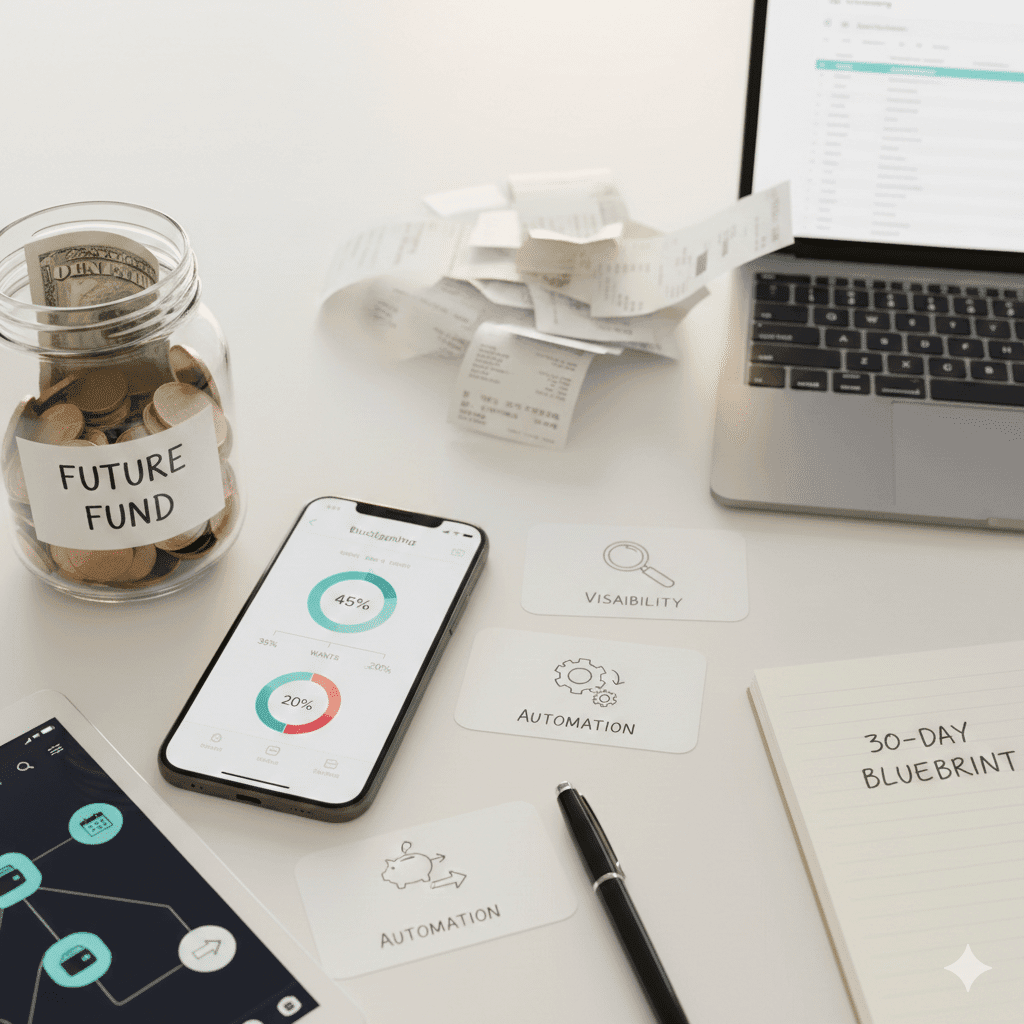
💡 Step 1 — Track expenses automatically (Days 1–7)
You don’t need to write numbers in Excel.
Use AI-powered apps that connect to your bank or ask your assistant directly:
- “What did I spend on food last month?”
- “Group my purchases by category.”
- “Find subscriptions I forgot about.”
AI categorizes spending in seconds.
The goal is not perfection — it’s visibility.
❌ The Old Way (And Why It Fails)
- Manually typing every purchase into Excel
- Keeping receipts
- Guessing what groceries cost
- Trying to journal every latte
- Updating notebooks
- Repeating, forgetting, quitting
This is the reason people give up:
📉 manual = effort → effort = inconsistency → inconsistency = failure
🔥 The New Way — Let AI Do It
Modern banking apps + AI categorization = instantly organized spending.
You simply:
- Connect your bank
- Allow categorization
- Ask questions
That’s it.
Examples you can ask:
“What did I spend on food last month?”
“Group my purchases by category.”
“Find subscriptions I forgot about.”
“Show me the 3 categories where I overspent.”
Within seconds, you get the truth.
Tool Examples (Choose ONE, not 10)
- Revolut → analytics + vault savings automation
- YNAB (You Need A Budget) → goal-based budgeting
- Monzo → pots + rules
- N26 → spending categories
- Mint / Rocket Money → auto categorization + subscription cleanup
- Spendee / Emma → banking hub + budgets
You don’t need the perfect app.
Pick one and stick to it.
How to Track Without Bank Integration
Some people feel uncomfortable linking accounts. That’s okay.
Do this instead:
➡️ Download statements for the last 3 months
➡️ Separate into categories:
- Rent / housing
- Utilities
- Groceries
- Eating out
- Clothing
- Transportation
- Subscriptions
- Entertainment
- Savings / investments
You’ll see patterns even if it’s painful.
📊 Real Example
A client of mine thought groceries were ~€250/month.
After tracking:
- Groceries: €405
- Eating out: €210
- Delivery: €168
Total food spending? €783/month
They weren’t bad at budgeting.
They were blind.
What to Do on Days 1–7
- Connect your bank accounts to one app
- Turn on automatic categorization
- Look at the numbers
- Don’t change anything yet
This week is about visibility, not action.
You can’t fix what you don’t understand.
💡 Step 2 — Create a simple budget (Days 7–15)
Use the golden budget formula:
45% Needs
35% Wants
20% Savings / Investing
You don’t need to know everything.
Just start with these 3 buckets.
Real Example — €2,000 / month income
45% needs → €900
35% wants → €700
20% savings/investing → €400
Notice something important:
You don’t need to be “rich” to save.
💡 Step 3 — Automate savings (Days 15–30)
Set rules like:
- If monthly income > €1500 → move 10% to savings
- When balance < €0 → get alert
- If I spend > €200 on restaurants → warning
Automation removes emotion from money.
You don’t need discipline — you need a system.
Create Money Rules Once → Forget Forever
Examples:
🟢 If monthly income > €1,500 → move 10% to savings
🟡 When balance < €0 → send notification
🔴 If I spend > €200 on restaurants → send warning
Set → forget → profit.
Automation protects you from:
- stress
- bad habits
- emotional spending
- impulse purchases
Real Automation Examples
Example #1 — Salary Split
Income hits on the 1st
🔹 70% → Checking
🔹 30% → Savings/Investments
No thinking required.
💡 My results (realistic, not hype)
When I switched to AI budgeting:
- I discovered €39/month in unused subscriptions
- My grocery spending dropped 12%
- My savings rate went from 6% → 17%
Not magic — just visibility + automation.
🚀 Start Today
You only need three things:
- Track → see what’s happening
- Plan → decide where money goes
- Automate → remove human error
Do this for 30 days — your wallet will change forever.